How does AI improve customer support ticket triage?
AI-powered triage automates ticket categorization and routing using ML and sentiment analysis — reducing response times by 65%.
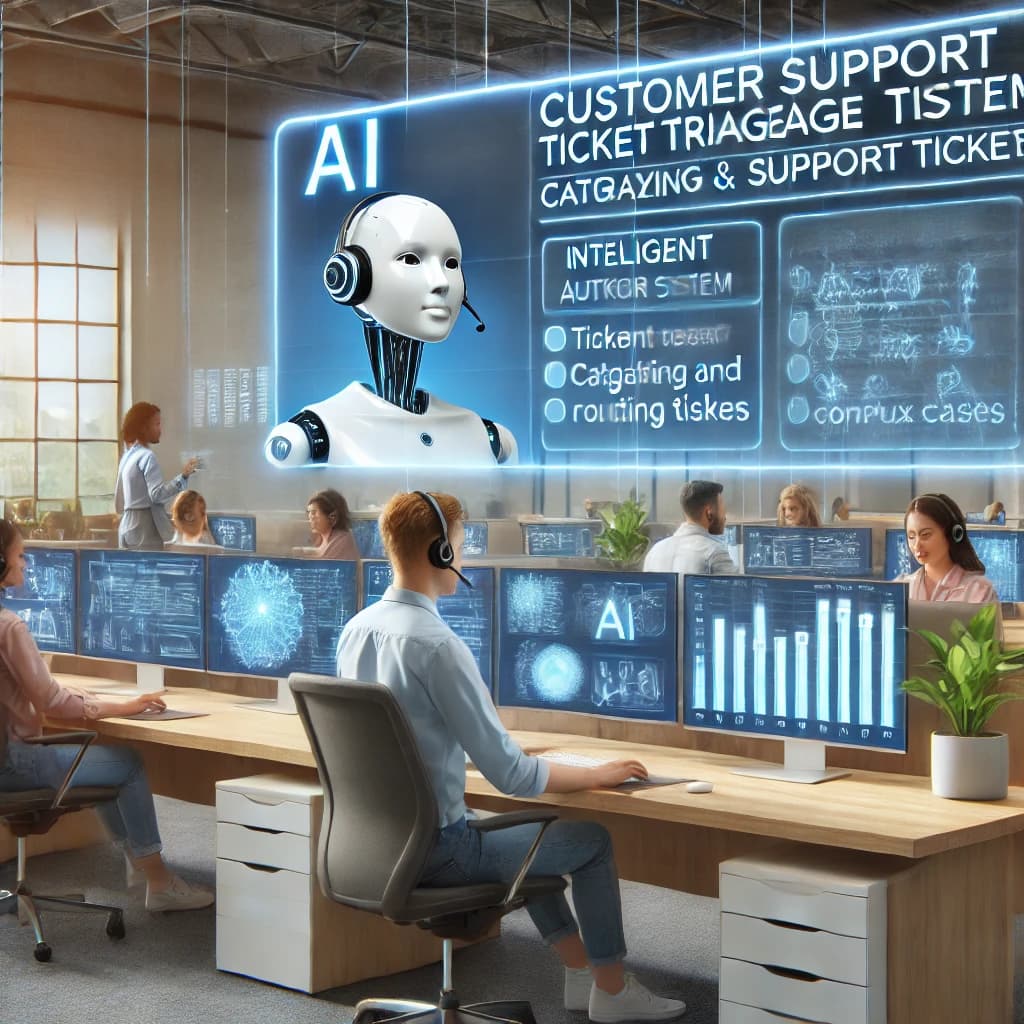
Customer support teams often struggle with managing large volumes of support tickets efficiently. AI-powered ticket triage solutions streamline the process by categorizing, prioritizing, and routing tickets automatically. This reduces response times, enhances customer satisfaction, and allows human agents to focus on complex issues.
Understanding AI-Powered Support Ticket Triage
TL;DR: AI-powered ticket triage uses machine learning and natural language processing to automatically categorize, prioritize, and route support tickets to appropriate agents. The system analyzes ticket content, customer history, and sentiment to determine urgency and complexity. Organizations implementing AI triage report 65% faster response times, improved agent productivity, and higher customer satisfaction scores.
Key takeaways:
- AI triage reduces average response times by 65% across support teams
- Machine learning accuracy for ticket categorization exceeds 90%
- Sentiment analysis identifies high-priority frustrated customers automatically
- Automated routing ensures tickets reach the most qualified agents
- AI handles 80% of ticket triage decisions without human intervention
AI-driven ticket triage leverages machine learning (ML) and natural language processing (NLP) to analyze incoming tickets. The system can:
- Identify ticket urgency and sentiment.
- Categorize issues based on keywords and past trends.
- Route tickets to the appropriate department or agent.
For more on how AI is transforming customer support, visit https://www.gartner.com/en/insights/customer-service-support.
Key Benefits of AI in Ticket Triage
1. Faster Ticket Categorization
Manual ticket sorting can be slow and error-prone. AI instantly categorizes tickets based on predefined labels and historical data, reducing sorting time.
- Example: AI can detect whether an issue is related to billing, technical support, or account access.
- Read more about AI-driven automation at https://www.forrester.com/research/customer-service-ai.
2. Prioritization Based on Urgency
Not all tickets require immediate attention. AI evaluates ticket urgency using sentiment analysis and business impact assessment.
- Example: A ticket with "system down" in the subject line is flagged as high priority.
- Learn more about AI-powered sentiment analysis at https://www.ibm.com/cloud/ai-sentiment-analysis.
3. Intelligent Routing to the Right Agent
AI directs tickets to the best-suited agent based on expertise, past resolutions, and workload balancing.
- Example: A technical issue related to APIs is routed to a developer support specialist.
- Find out more about AI in helpdesk automation at https://www.salesforce.com/products/service-cloud/.
4. Automating First-Level Responses
AI chatbots and automated responders handle common queries, reducing ticket volume for human agents.
- Example: AI can send predefined responses for password reset requests.
- See how AI-powered chatbots work at https://www.zendesk.com/service/chatbots/.
5. Continuous Learning and Improvement
AI systems improve over time by analyzing ticket resolution data and adapting to emerging issues.
- Example: If multiple users report the same software bug, AI can recognize a pattern and flag it as a recurring issue.
- Discover how machine learning improves customer support at https://www.microsoft.com/en-us/ai/ai-solutions.
Implementing AI Ticket Triage in Your Organization
Steps to Get Started:
- Assess your needs: Identify key pain points in your current ticket management system.
- Choose an AI solution: Select a platform that integrates with your helpdesk software.
- Train the AI model: Use historical ticket data to improve categorization and routing.
- Monitor and optimize: Continuously review AI performance and make adjustments as needed.
For guidance on AI implementation, check out https://aws.amazon.com/machine-learning/.
Future of AI in Ticket Triage
As AI technology advances, expect deeper automation, improved sentiment detection, and enhanced predictive analytics. Organizations that adopt AI-driven triage will benefit from faster resolutions, lower operational costs, and improved customer experiences.
For additional insights on AI in customer service, visit https://www.mckinsey.com/business-functions/mckinsey-digital/our-insights/ai-and-customer-experience.
Conclusion
AI-powered ticket triage transforms customer support by automating ticket categorization, prioritization, and routing. By implementing AI solutions, businesses can enhance efficiency, reduce costs, and deliver superior customer experiences.
To explore more about AI’s role in customer support, visit https://www.salesforce.com/blog/ai-for-customer-support/.
See how Twig resolves tickets automatically
30-minute setup · Free tier available · No credit card required
Related Articles
What are the best AI customer support tools in 2025?
The best AI customer support tools in 2025 include AI chatbots, automated ticketing, and AI-powered helpdesks—boosting efficiency while reducing costs by 40%.
5 min readHow Has AI Customer Support Evolved from Helpdesk to Agent Assist?
AI customer support evolved from basic helpdesks to sophisticated agent assist systems, improving efficiency while reducing operational costs.
5 min readWhy do smart support teams use AI for ticket automation?
Smart support teams use AI ticket automation to enhance efficiency, reduce costs, and improve customer satisfaction through intelligent routing and prioritization.
5 min read